 Shanghai Lisheng Automation Technology

Intelligent leadership in industrial upgrading
How to Select Siemens S7-300 CPU? Complete Selection Guide for PLC Systems
How to Select Siemens S7-300 CPU
Choosing the right Siemens S7-300 CPU is critical for ensuring stable performance and efficient operation in industrial automation systems. Different CPU models provide different processing capabilities, memory sizes, and communication options.
This guide explains how to select the correct S7-300 CPU based on your application requirements.
1. What is an S7-300 CPU?
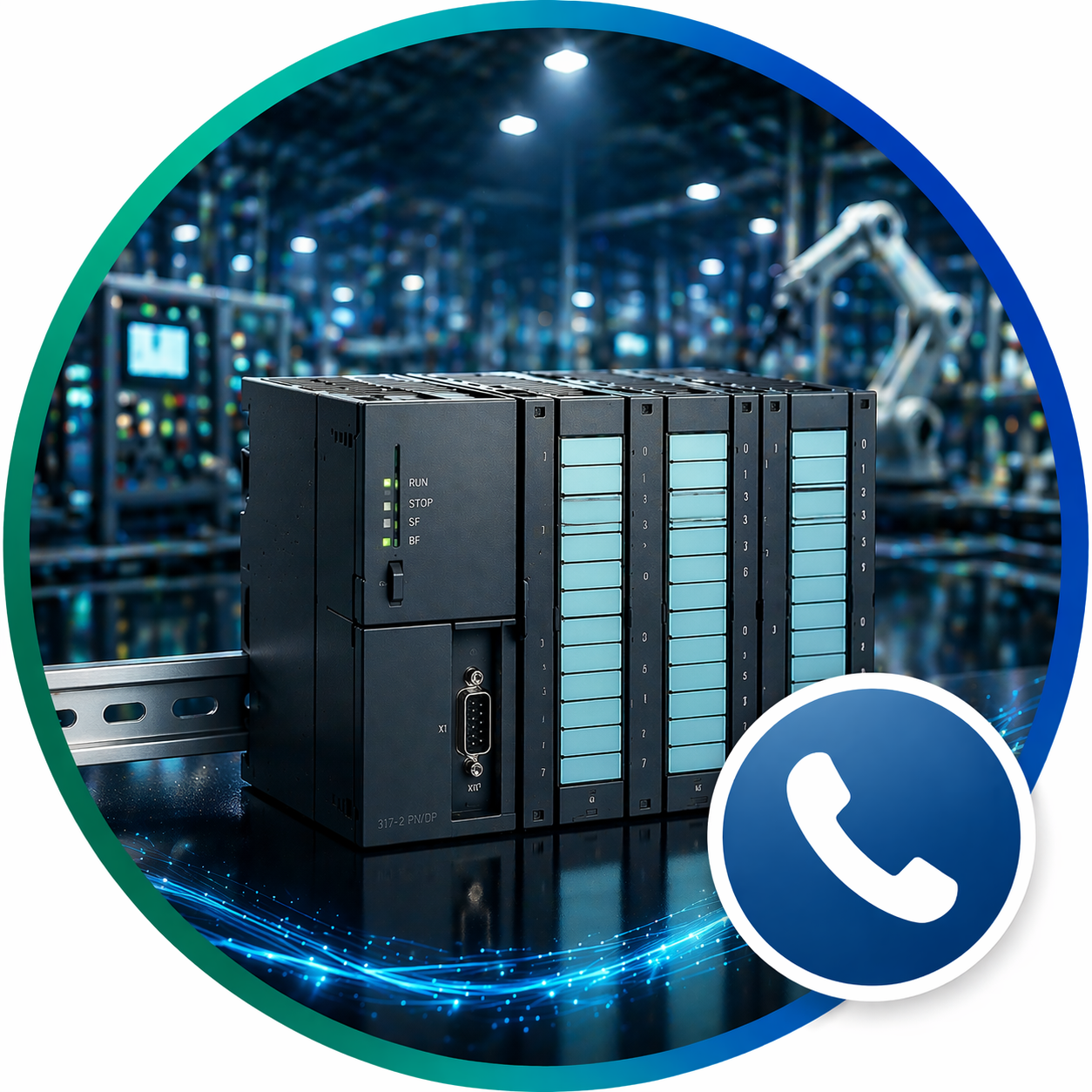
The CPU (Central Processing Unit) is the core of the PLC system. It processes control logic, communicates with input/output modules, and manages industrial automation tasks.
2. Key Factors for CPU Selection
2.1 Performance Requirements
Different CPUs offer different processing speeds.
Choose a higher-performance CPU if:
- Your system has complex logic
- High-speed control is required
- Multiple devices need to be managed
2.2 Memory Capacity
Memory determines how much program and data the CPU can handle.
- Small systems → low memory CPU
- Large systems → high memory CPU
2.3 Number of I/O Points
Consider how many input and output signals your system needs.
- Small machines → fewer I/O
- Large systems → more expansion modules required
2.4 Communication Interfaces
Modern automation systems often require communication with other devices.
Check if the CPU supports:
- PROFIBUS
- PROFINET
- Ethernet communication
2.5 Integrated Functions
Some CPUs include additional features:
- High-speed counters
- PID control
- Motion control
3. Common S7-300 CPU Models
Entry Level CPUs
- 6ES7312-1AE14-0AB0
- Suitable for small machines and simple automation
Mid-Range CPUs
- 6ES7313-6CF03-0AB0
- Suitable for medium-sized systems
High-End CPUs
- 6ES7314-6CG03-0AB0
- Designed for complex industrial automation systems
4. Application-Based Selection
Small Automation Systems
- Packaging machines
- Simple production lines
Recommended CPU:
- S7-300 low-end CPU
Medium Systems
- Manufacturing equipment
- Assembly lines
Recommended CPU:
- Mid-range CPU with communication capability
Large Industrial Systems
- Steel plants
- Chemical plants
- Energy systems
Recommended CPU:
- High-performance CPU with advanced communication
5. S7-300 vs S7-1500
Since S7-300 is being phased out, consider:
S7-1500 advantages:
- Higher performance
- Better communication
- Future-proof
However, S7-300 CPUs are still widely used for:
- Maintenance
- Retrofit
- Spare parts
6. Selection Tips
- Always consider future expansion
- Choose a CPU with slightly higher capacity than current needs
- Ensure compatibility with existing modules
7. Related Products
Explore commonly used CPUs:
- 6ES7312-1AE14-0AB0
- 6ES7313-6CF03-0AB0
- 6ES7314-6CG03-0AB0
8. Conclusion
Selecting the right Siemens S7-300 CPU ensures stable system performance and long-term reliability. Understanding performance, memory, communication and application requirements will help you make the best choice.
Related recommendations
-

-
-
What is Siemens S7-300 PLC? Complete Guide for Industrial Automation
0Learn what Siemens S7-300 PLC is, how it works and its applications in industrial automation systems. Complete beginner guide with practical insights.
View details -