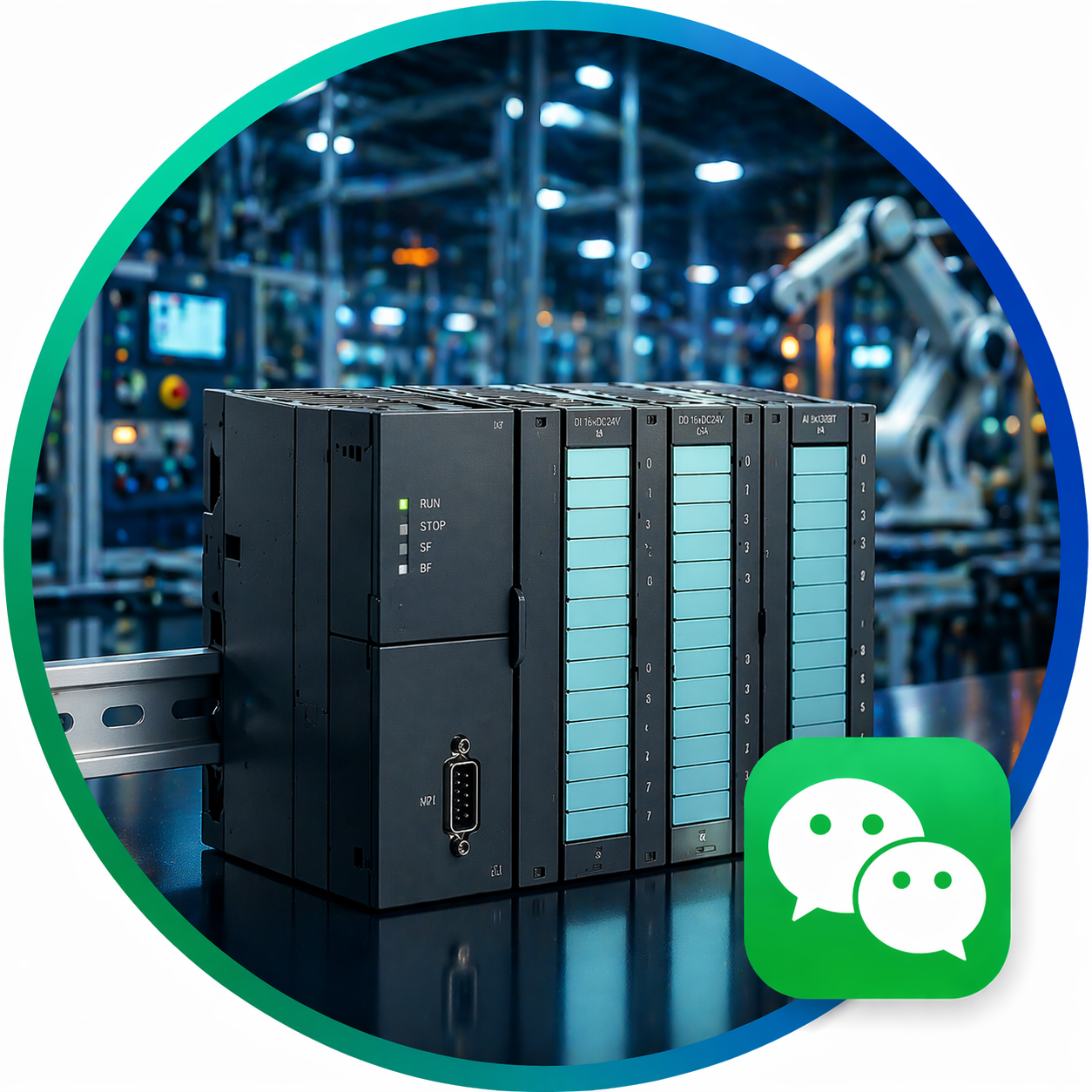
 Shanghai Lisheng Automation Technology

Intelligent leadership in industrial upgrading
How to Install and Commission Siemens S7-300 PLC? Complete Step-by-Step Guide
Siemens S7-300 PLC Installation and Commissioning Guide
Proper installation and commissioning of a Siemens S7-300 PLC system are essential for ensuring stable and efficient industrial automation performance. This guide provides a step-by-step process from hardware installation to system startup.
1. Preparation Before Installation
Before installing the PLC system, ensure the following:
- Check all components (CPU, power supply, I/O modules)
- Verify model compatibility
- Prepare tools and wiring materials
- Review system design and wiring diagrams
2. Hardware Installation Steps
Step 1: Install the DIN Rail
Mount a standard DIN rail inside the control cabinet to support the PLC modules.
Step 2: Install Power Supply Module
Install the power supply module (e.g., PS307) and ensure proper grounding.
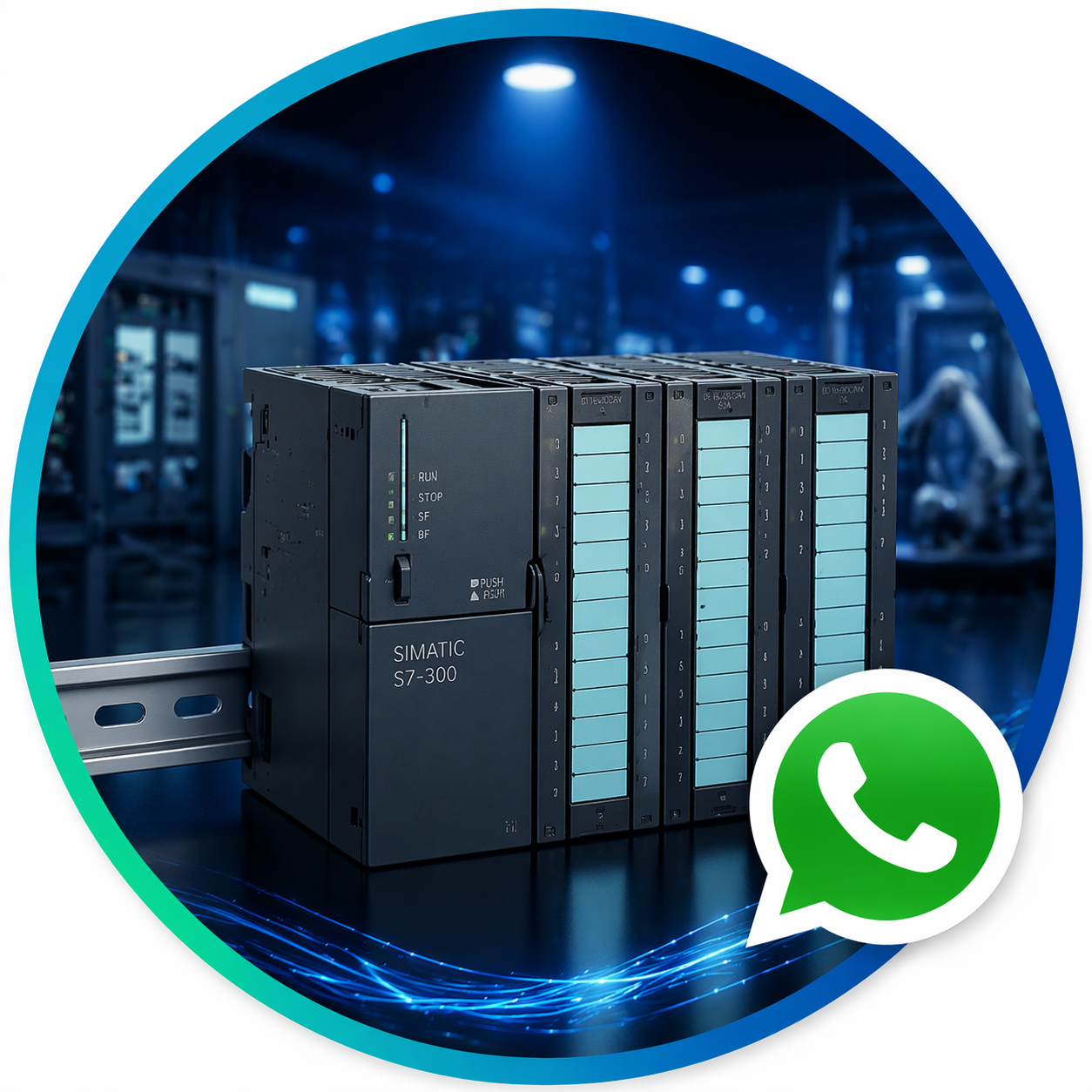
Step 3: Install CPU Module
Insert the CPU module (e.g., S7-300 CPU) into the rack and secure it properly.
Step 4: Install I/O Modules
Attach input/output modules such as SM331, SM332, and SM334 based on system requirements.
Step 5: Connect Interface Modules (if needed)
For multi-rack systems, install IM360 and IM361 modules.
3. Wiring and Connections
- Connect power supply cables
- Wire digital and analog inputs/outputs
- Connect communication cables (PROFIBUS / Ethernet)
- Ensure proper grounding and shielding
4. Software Configuration (STEP 7)
Step 1: Create a New Project
Open Siemens STEP 7 and create a new project.
Step 2: Configure Hardware
- Add CPU model
- Insert I/O modules
- Configure addresses
Step 3: Set Communication Parameters
Configure communication interfaces such as MPI or PROFIBUS.
Step 4: Download Configuration
Download hardware configuration and program to the PLC.
5. System Commissioning
After installation, perform system testing:
- Power on the PLC
- Check CPU status LEDs
- Verify communication
- Test input/output signals
- Run the control program
6. Common Troubleshooting
Issue 1: CPU Not Running
- Check power supply
- Verify wiring connections
Issue 2: Communication Failure
- Check cable connections
- Verify communication settings
Issue 3: I/O Not Responding
- Check module configuration
- Verify signal wiring
7. Safety and Best Practices
- Always disconnect power before wiring
- Ensure proper grounding
- Follow Siemens installation standards
- Use original components
8. Related Products
Common S7-300 components:
- S7-300 CPU modules
- SM331 analog input modules
- SM332 analog output modules
- CP communication modules
9. Conclusion
Correct installation and commissioning of Siemens S7-300 PLC systems ensure long-term reliability and efficient industrial operation. Following proper procedures helps avoid system failures and improves automation performance.
Related recommendations
-

What is Siemens S7-300 PLC? Complete Guide for Industrial Automation
0Learn what Siemens S7-300 PLC is, how it works and its applications in industrial automation systems. Complete beginner guide with practical insights.
View details -
-
Siemens S7-300 vs S7-1200: Which PLC is Better?
0Compare Siemens S7-300 and S7-1200 PLC. Learn the differences, performance and which controller is best for your automation project.
View details -